
We’re going to walk you through setting up your Aurum account step by step. It’s simple — and once it’s done, you’re done.

    No daily logins.
    No checking charts.
    No deciding when to buy or sell.

    The system runs in the background. You set it up once… and from there, it works for you.

    Take your time and follow the steps below at your own pace.

    💛 This is a one-time setup.

    Just follow each step in order. Pause when you need to. Come back if needed.

    You don’t have to figure anything out — everything is laid out for you, and we’re here if you need help.

    🌱 Let’s get you set up.
    Your growth starts here.

    Account Setup - Step by Step

    Most people complete this in about 15–30 minutes.

    Take your time—there's no need to rush.

    This is about creating more options for your future, and every step forward matters.

    Begin with Step 1 below. If you have questions along the way, we're here to help and support you every step of the journey.

    Before you can access the Aurum website, you need to connect a VPN. Aurum isn't US-licensed yet, so the VPN lets you access it as an international user — it's free, takes 2 minutes, and you'll use it every time you log in.

    Aurum is not currently available directly in the United States or Canada.

    A free VPN allows you to securely access the platform as an international user in the meantime.
    ✅ Free to install
    ✅ Takes about 2 minutes
    ✅ Safe and commonly used worldwide
    ✅ You'll use it whenever you log in
    Don't worry.

    We'll walk you through the setup step by step, and if you need help at any point, our team is here to support you.
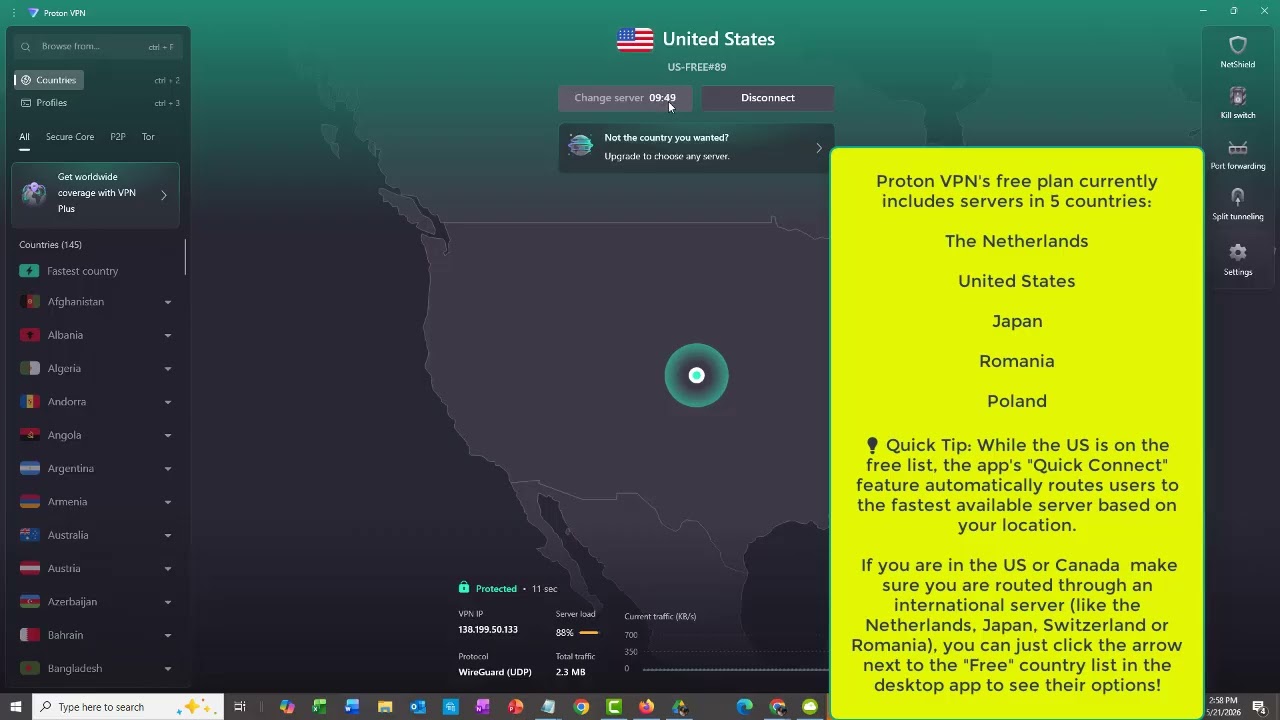
    How to Install a VPN
    Download Your Free VPN

    ✅ Which country to select in the VPN app:

    🇨🇭 Switzerland 🇯🇵 Japan 🇳🇱 Netherlands

    ⚠️ The free plan only includes these 3 countries. Do not select any other country — it will ask you to upgrade to a paid plan.

    ✅ Congratulations! Your VPN is installed and you're ready for the next step.

    ✅ VPN connected  ✅ Referral link in hand — you're ready. Watch the walkthrough video below to create your account.
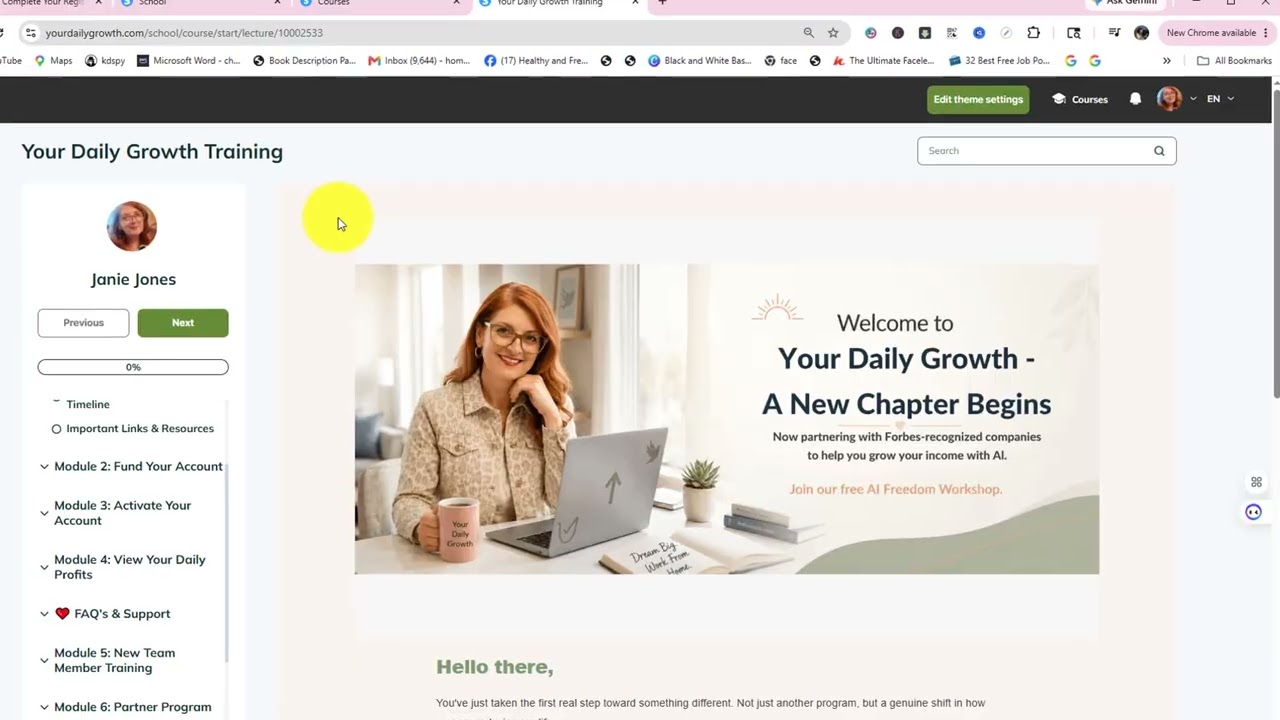
    Before you continue: You cannot create an Aurum account without a personal referral link. Reach out to your sponsor and ask them to send you your referral link before proceeding.
    How to Create Your Aurum Account
    📋 During Signup — Country & Phone Number

    Even with the VPN on, Aurum's signup form blocks USA and Canada at the form level. Here's the easy workaround:

    • 1
      Country: Select U.S. Minor Outlying Islands from the dropdown — this appears separately from "United States" in the system. Or choose any country outside USA/Canada.
    • 2
      Phone Number: Enter a number in that country's format. Example for Netherlands: 31 (area code plus your phone number). Aurum does not verify phone numbers during registration.
    ✅ Congratulations! Your Aurum account has been created.

    You're almost there! This final step adds a strong security lock to your account — protecting everything you're building.

    📥 First: Download Google Authenticator

    Download the free Google Authenticator app on your phone from your app store. Watch this quick guide:
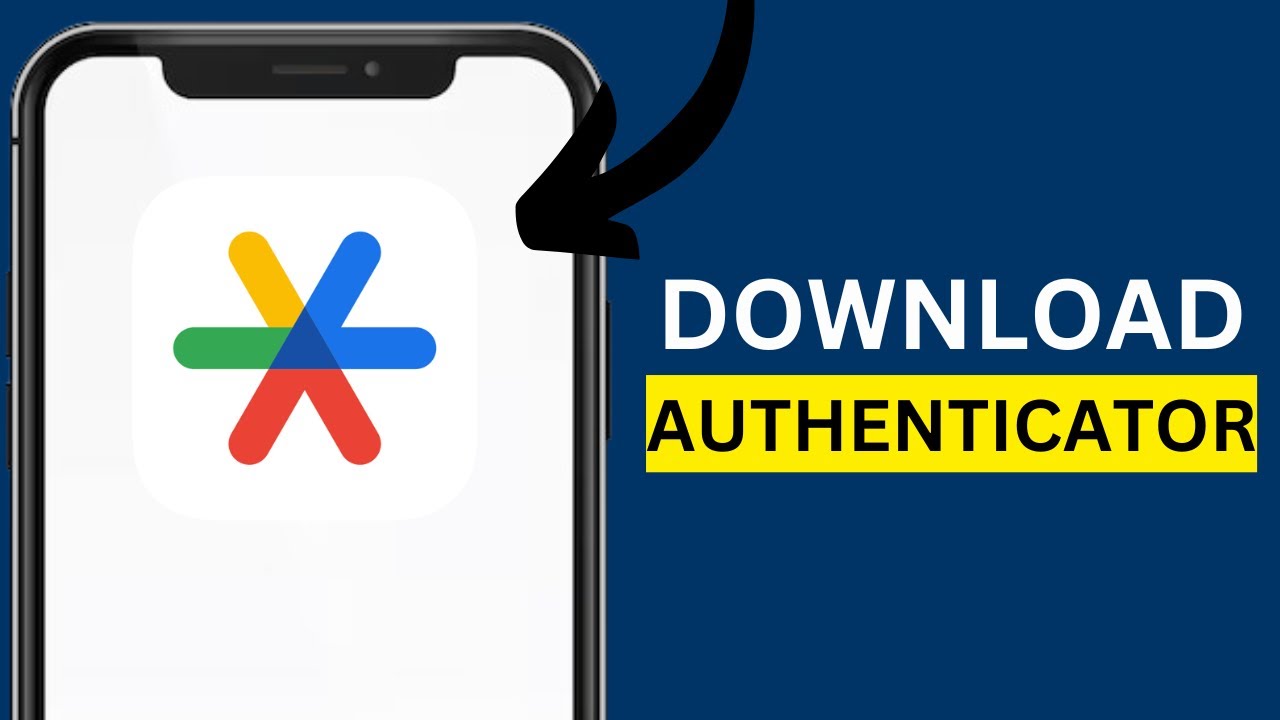
    How to Install Google Authenticator
    🎥 Then: Connect it to Your Aurum Account

    Once your app is ready, watch this video to connect it:
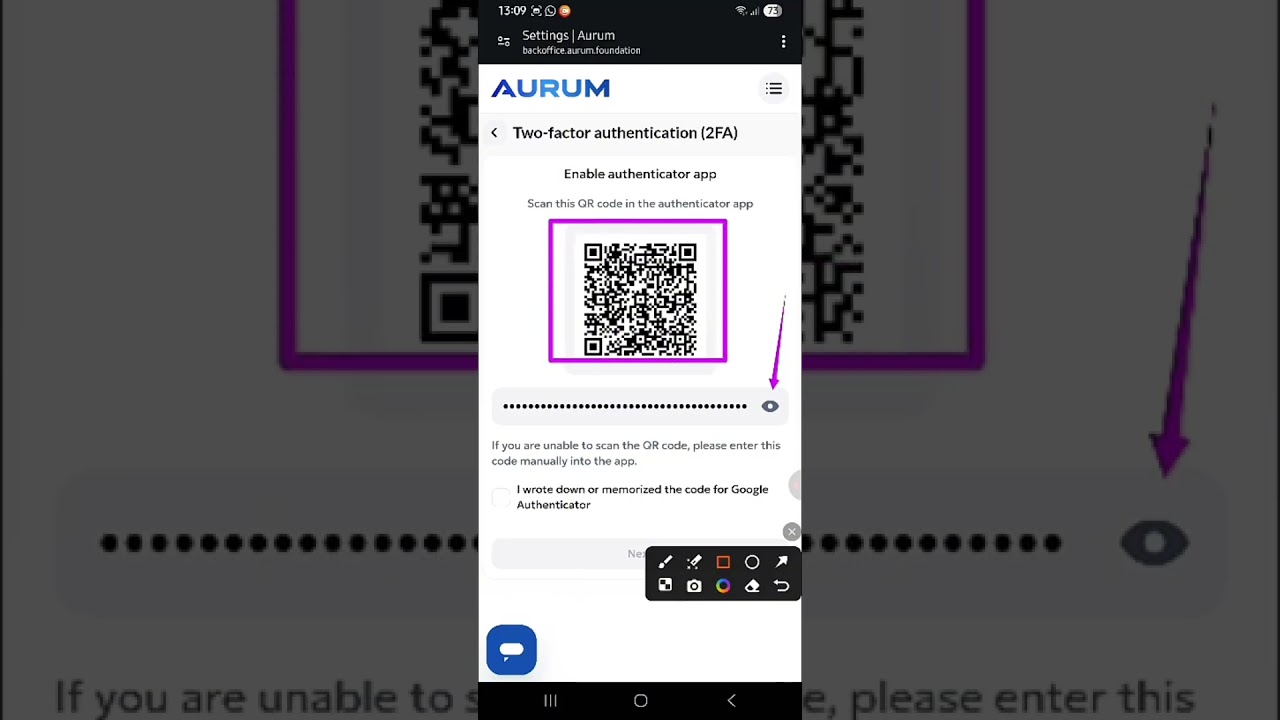
    How to Set Up 2FA in Aurum
    Step-by-Step Written Guide
    1

    Go to backoffice.aurum.foundation and log in. Make sure your VPN is connected.

    2

    Open the Menu (top right) → SettingsSecurity (top center).

    3

    Scroll to Two-Factor Authentication → tap Tune → click the blue Enable button to show your QR setup code.

    4

    Open Google Authenticator → tap "+" → select Scan a QR Code → point your camera at the screen.

    5

    Check the confirmation box on Aurum, hit Next, then enter the 6-digit code from your phone to confirm.

    What logging in looks like going forward:
    1. Open Google Authenticator → 2. Find the live 6-digit code → 3. Enter it into the Aurum security box. That's it — you're safely inside your dashboard every time. 🔒
    🎉 Congratulations! You have installed your Security App.

    You've completed all three setup steps. Time to request access to the Members Area!

    🎉 Congratulations!

    You've successfully completed your Aurum account setup.

    Your VPN is installed.
    Your account is created.
    Your security app is active.
    You're ready for the next step.

    Request Access To The Members Area

    To receive access to the Members Area, please send an email to:

    📧 janie@yourdailygrowth.com

    Subject Line: Ready For Members Area

    You'll receive your login details within 24 hours. Please check your spam folder if you don't see our reply.

    If you need assistance, text: 📱 512-766-5079

    Please Include:

    ✓ First & Last Name
    ✓ Email Address
    ✓ Sponsor's Name


    You're Almost There

    Most people never take action on the opportunities they explore. You've already completed the hardest part — getting started. Keep going. Your next step is waiting for you. 🌿

    📧 Email Janie Now